1
Set a goal and a study rhythm
Provide your target and available study time. These preferences give your plan a practical starting point.
Connect your goal, target date, and study time to a daily plan that responds to your progress.
See how it works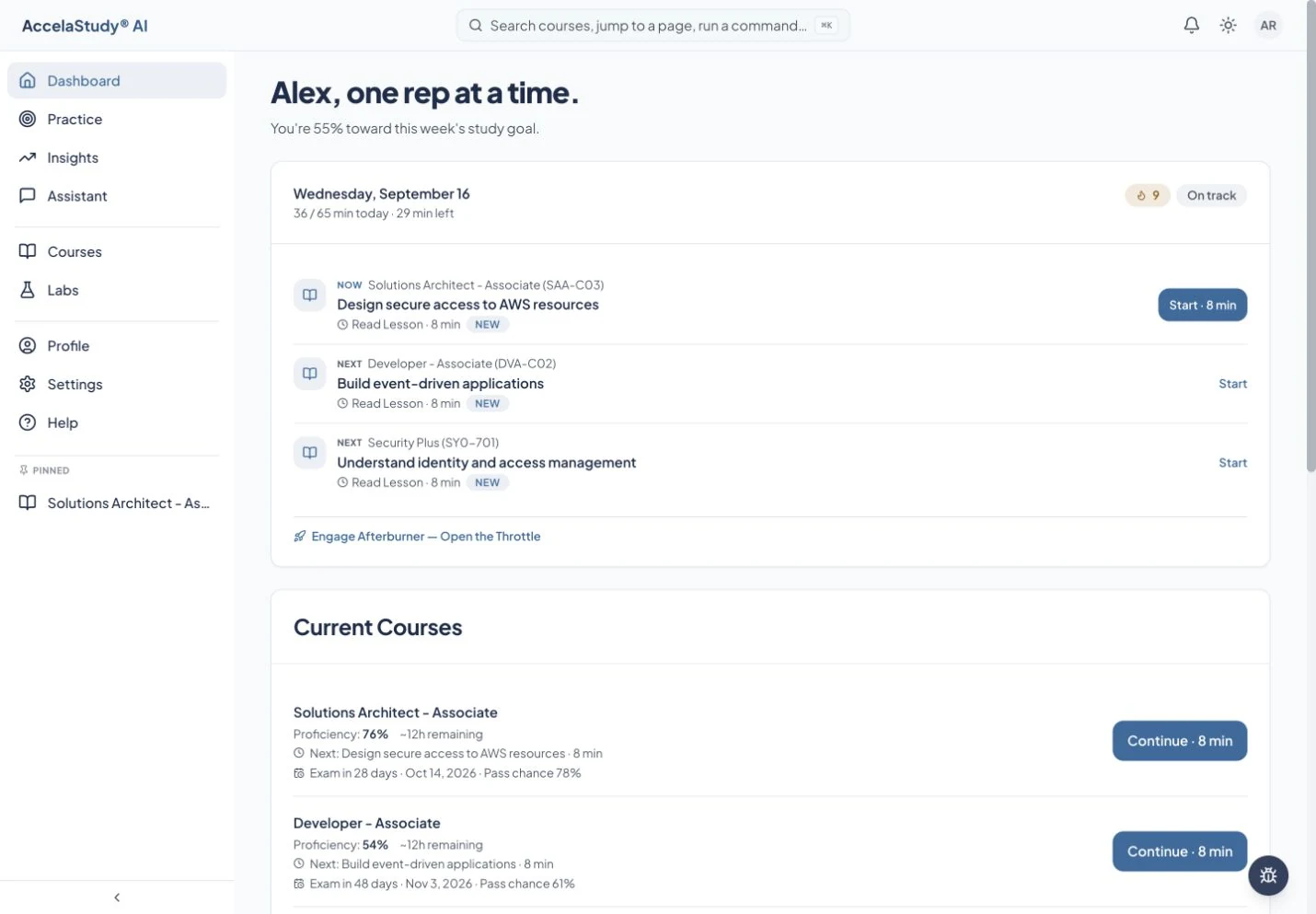
Current app screens with illustrative demo data.
Autopilot helps turn a course into a manageable routine. Your dashboard shows what comes next, while the course roadmap gives you the larger picture.
Provide your target and available study time. These preferences give your plan a practical starting point.
Use the roadmap to understand the course outline and study schedule. The current course page brings Overview, Roadmap, and Activities together.
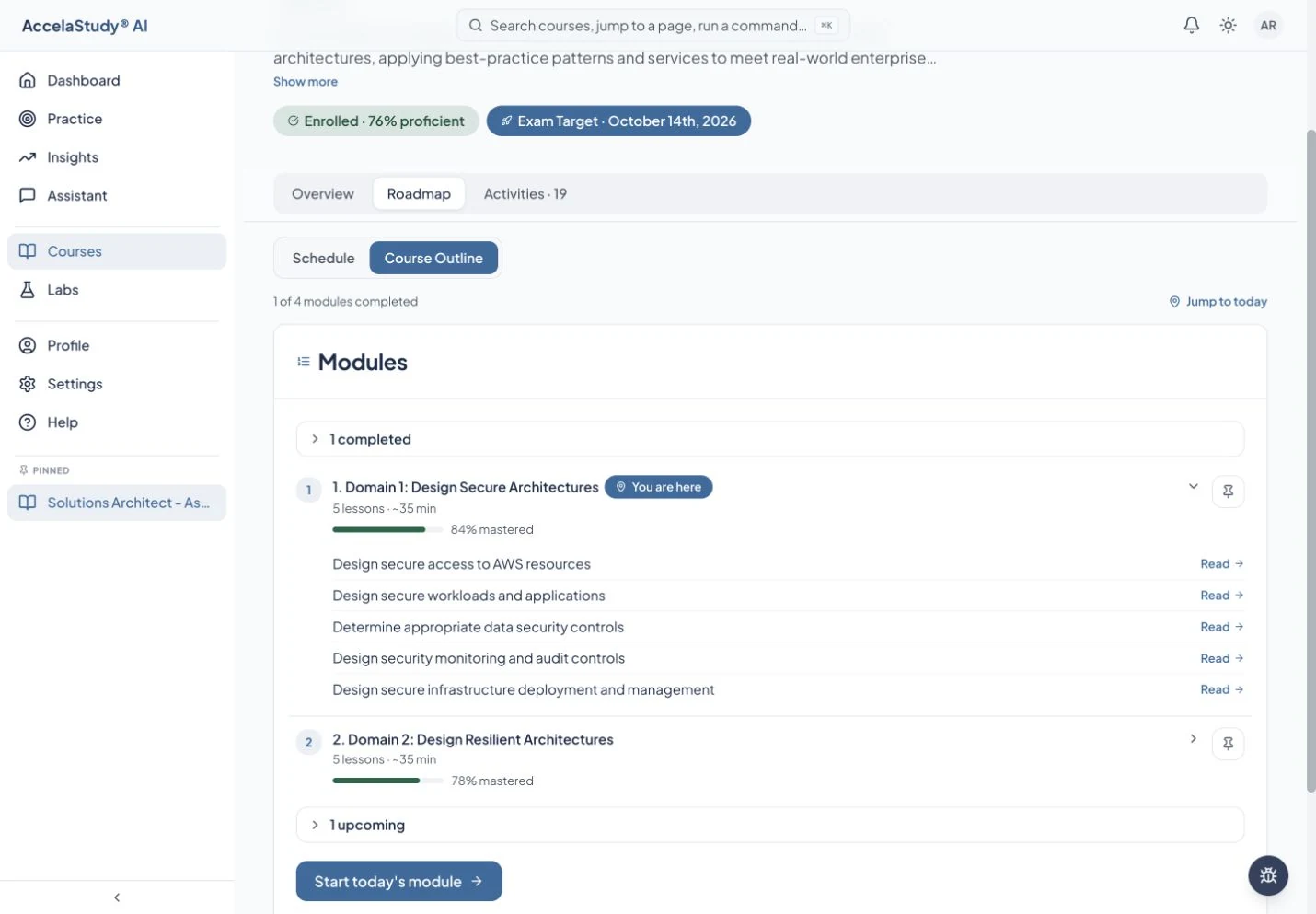
Return to the daily runway as your progress develops. When your time is different today, use Afterburner to choose a session budget.
Available across learning products. Exam dates and readiness information apply where the course supports them.
Put these tools to work with AccelaStudy AI Classroom.